
Troubleshooting and platform limits
A client's connect invite link doesn't work
Why a connection link you emailed to a client fails or can't be sent, and how to connect the account another way.
TroubleshootingWho it's for:OwnerAdminEditorViewerClientYouTubePinterestThreadsLinkedInGoogle Business Profile
Checked on 24 October 2026Open in Kredia
Symptom
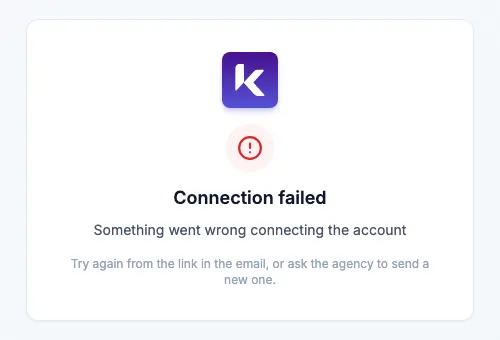
- Your client opens the connection link and sees Connection failed or The link is invalid or has expired.
- Clicking Send connection link to the customer shows Sending the invitation failed.
- The client says the email never arrived.
Why it happens
- The link works for Instagram, Facebook and TikTok only. The button appears on every platform's card, but for LinkedIn, Pinterest, Threads and Google Business Kredia refuses to send it, and for YouTube the email is sent but the link fails.
- Links expire after 7 days.
- The link goes to the email on the client's record. If that address is wrong or old, the client never gets it.
How to fix
- For Instagram, Facebook or TikTok: check the client's email address (pencil icon on the client's card), correct it if needed, and send a new link from Connect Social Media.
- For YouTube, LinkedIn, Pinterest, Threads or Google Business: connect the account yourself from the client's card. If only the client can sign in, do it together on a call: you click Connect, and the client types their own password on the network's sign-in page.
- If the email doesn't arrive, ask the client to check their spam folder, then send the link again.
If you're the client: ask your agency to send you a new link. Links from an older email may have expired.
Still stuck?
Email [email protected] with the client's name and the platform, or use the Contact page.
See also
Was this article helpful?