
Scheduling, calendar and campaigns
Post statuses explained
What Ready, Waiting, Overdue, Changes requested, Publishing, Published, Failed and Draft mean, and what to do about each.
ConceptWho it's for:OwnerAdminEditorViewer
Checked on 24 October 2026Open in Kredia
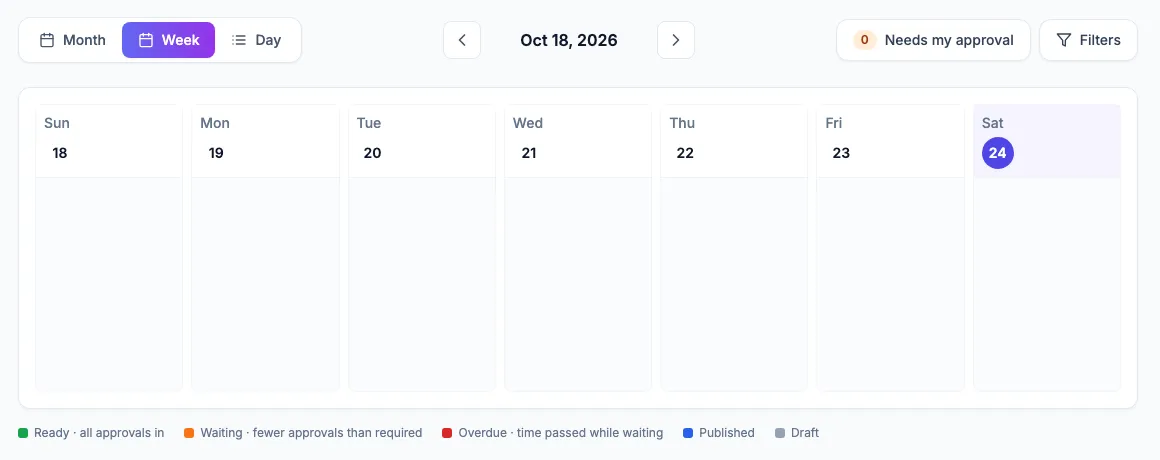
Every post in Kredia has a status. The calendar shows it as a colored stripe and a short label, and the post details show the full status with the number of approvals so far.
Before publishing
| Status | Color | What it means | What to do |
|---|---|---|---|
| Ready | Green | The post has all the approvals it needs, or needs none. It publishes at its scheduled time. "No approval" means the client needs none or the author could publish without approval. | Nothing. |
| Waiting | Orange | The post has fewer approvals than the client requires. The counter shows how many it has, for example 1/2. | Approvers decide in Approvals. |
| Overdue | Red | The scheduled time passed while the post was still waiting, or it was approved only after that time. The post is held and is never published late on its own. | Click Post now, or reschedule it. See An approved post didn't publish. |
| Changes requested | Pink | An approver asked for changes and left a note. | The author edits the post; it then waits for approval again. |
| Draft | Grey | The post isn't scheduled. Nothing publishes from a draft. | Schedule it when it's ready. |
Publishing and after
| Status | What it means | What to do |
|---|---|---|
| Publishing | Kredia is sending the post to the platform right now. Video can take a couple of minutes. | Wait; the status updates on its own. |
| Published | The post is live. A link to the live post appears where the platform provides one. | Nothing. Published posts can't be edited from Kredia. |
| Failed | The platform refused the post. Kredia already tried again automatically a few times before marking it Failed. The platform's error is shown on the post. | Fix the cause, then use Post now. See A post failed to publish. |
| Cancelled | The schedule was cancelled. | Nothing; reschedule if needed. |
Where statuses come from
- Approval states (Ready, Waiting, Overdue, Changes requested) depend on the client's approval rules. See How approvals work.
- Statuses update live. You don't need to refresh the page to see a post move from Publishing to Published or Failed.
- Every change is recorded in the post's History tab, including failures and posts published without approval.
See also
Was this article helpful?