
Getting started
How to join an agency from an invitation
Open the invitation email, sign in or create your account with the invited address, and join the agency's team.
How-toWho it's for:AdminEditorViewer
Checked on 24 October 2026Open in Kredia
When someone invites you to their agency, Kredia emails you a link. Opening it lets you create your Kredia account (or sign in to an existing one) and join the agency with the role you were given. Kredia is invite-only for now, so this invitation is also how new users get an account.
Before you start
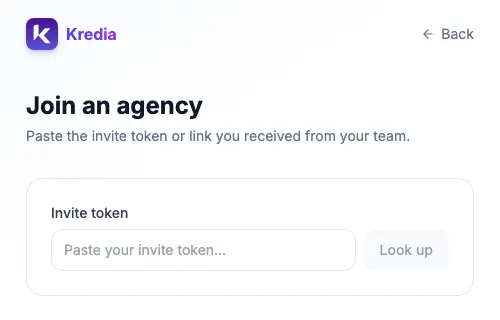
- Find the invitation email from Kredia. If it didn't arrive, ask the person who invited you to click Copy link next to your invitation on their Team page and send it to you another way.
- Use the exact email address the invitation was sent to. You can only create an account, or accept the invitation, with that address.
- Invitations expire after 7 days. If yours has expired, ask for a new one.
Join the agency
- Open the link in the invitation email. Kredia shows the agency's name, your Role and the address the invitation was Sent to.
- If you're not signed in, Kredia asks you to Sign in to accept:
- Already have a Kredia account with that address? Click Sign in.
- New to Kredia? Click Create account.
- To create an account, enter your Full name, keep the invited Email address, choose a Password, and click Create account. You can also click Continue with Google if the invitation went to your Google address.
- Back on the invitation, click Join followed by the agency's name.
- Kredia confirms that you joined and takes you to the agency's dashboard. If Kredia asks you to accept the terms of service, accept them to continue.
Your password must be at least 12 characters long and include an uppercase letter, a lowercase letter, a number and a symbol. Very common passwords are rejected.
What can go wrong
- "You're signed in as a different account". You're signed in with another email address. Click Sign in as followed by the invited address, and sign in with that one.
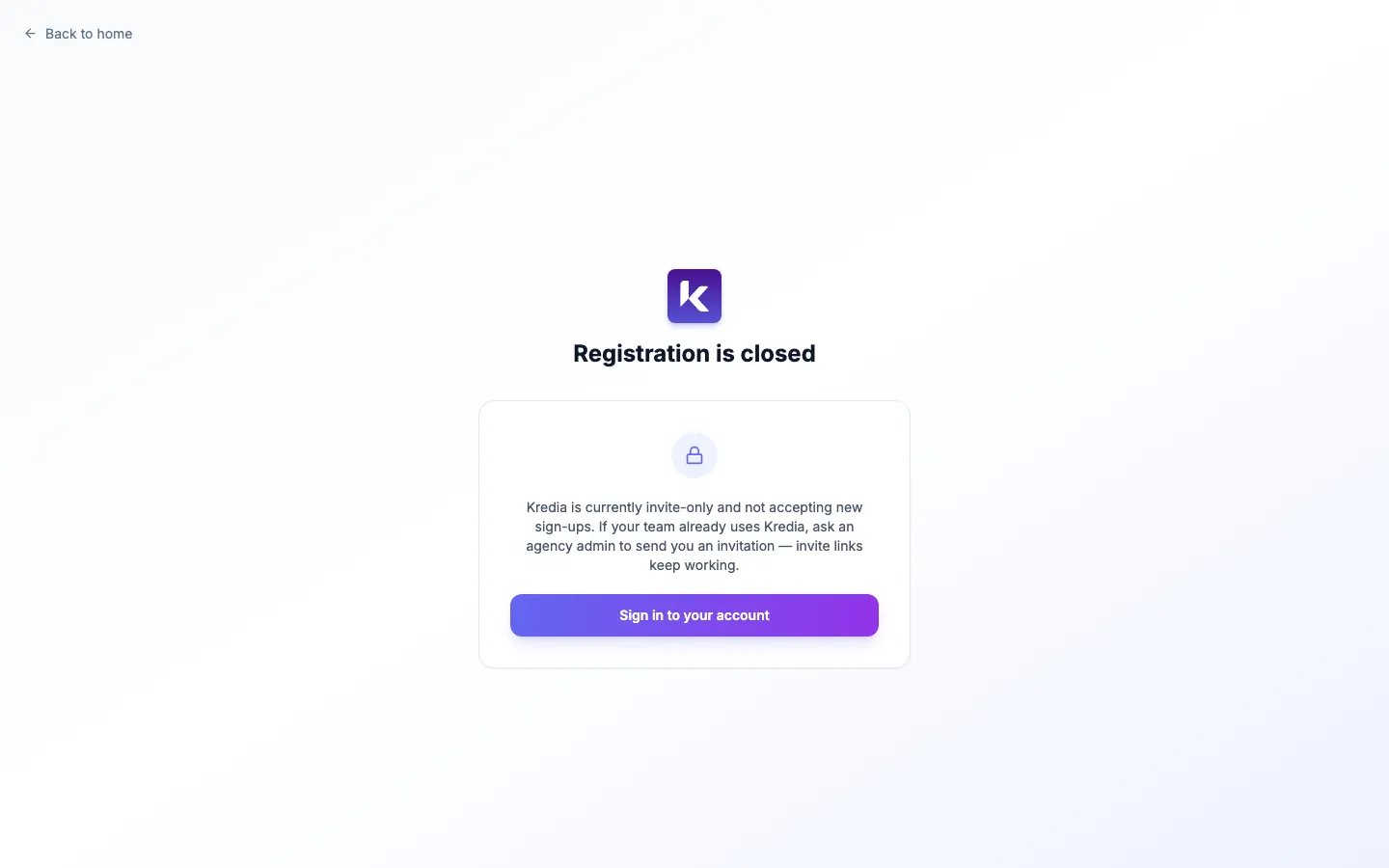
- "Registration is closed". You opened the sign-up page directly rather than through your invitation link. Open the link from the email instead.
- "This agency has no free team seats". The agency has used all its team seats. Ask the agency's Owner to free a seat or contact [email protected].
- "Invalid or expired invite link". The invitation expired or was revoked. Ask for a new one.
- You already belong to another agency. That's fine. You can join several agencies and switch between them from the sidebar.
- The mobile app's sign-up doesn't let you in. The app follows the same rule: create the account with the invited address, or create it on the web from the invitation link first, then log in on your phone.
See also
Was this article helpful?