
Clients and connected accounts
How to connect YouTube
Connect a client's YouTube channel so Kredia can publish YouTube Shorts to it. Long-form videos aren't supported.
How-toWho it's for:OwnerAdminEditorViewerYouTube
Checked on 24 October 2026Open in Kredia
Connect a client's YouTube channel once, and Kredia can publish YouTube Shorts to it: vertical videos up to 3 minutes long. Kredia doesn't publish regular (long-form) YouTube videos.
Before you start
- The client exists in Kredia. If not, add them on the Customers page first.
- You can sign in to the Google account that manages the channel, or the client is with you to sign in. The emailed connection link doesn't work for YouTube, so connect it yourself, for example on a call with the client.
- Popups are allowed for kredia.io in your browser.
Connect the channel
- Open Customers, point at the client's card and click Connect Social Media.
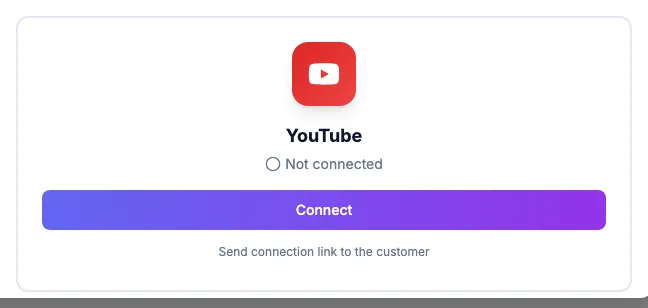
- On the YouTube card, click Connect.
- In the popup, sign in with the Google account that manages the channel and allow the permissions Kredia asks for.
- The YouTube card turns green and shows Connected.
What you can publish
- A Short: one vertical (or square) video, 3 minutes or shorter.
- A title of up to 100 characters. If you leave it empty, the caption is used. Kredia adds #Shorts to the title and description so YouTube treats the video as a Short.
- Visibility: Public, Unlisted or Private.
What can go wrong
- "Not a YouTube Short". The video is landscape or longer than 3 minutes. A vertical clip with black bars inside a wide frame still counts as landscape. Re-export the video as 9:16 (for example 1080×1920), 3 minutes or less, and try again.
- The client's connection link fails. Send connection link to the customer appears on the YouTube card, but the link doesn't work for YouTube yet. See A client's connect invite link doesn't work.
- Nothing happens when you click Connect. Your browser blocked the popup. Allow popups for kredia.io and try again.
See also
Was this article helpful?