
Clients and connected accounts
How to connect TikTok
Connect a client's TikTok account so Kredia can publish videos to it. For now, TikTok posts are published as private.
How-toWho it's for:OwnerAdminEditorViewerTikTok
Checked on 24 October 2026Open in Kredia
Connect a client's TikTok account once, and Kredia can publish videos to it. Before you start, know one important limit: for now, every TikTok post that Kredia publishes is private ("Only me"), and someone has to make it public in the TikTok app. The reason is explained in TikTok posts are published as private.
Before you start
- The client exists in Kredia. If not, add them on the Customers page first.
- You can sign in to the client's TikTok account, or send the client a link to connect it themselves.
- Popups are allowed for kredia.io in your browser.
Connect the account
- Open Customers, point at the client's card and click Connect Social Media.
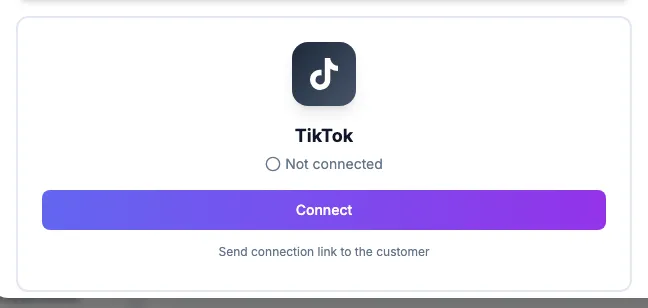
- On the TikTok card, click Connect.
- In the popup, sign in to TikTok and allow the permissions Kredia asks for.
- The TikTok card turns green and shows Connected.
To let the client do it themselves, click Send connection link to the customer on the TikTok card instead. See How to send a client a link to connect their own accounts.
What you can publish
- Videos only. TikTok photo posts and carousels aren't supported.
- In the composer you choose who can see the video (Public, Friends or Only me), but while the limit above applies, the post goes out as Only me.
What can go wrong
- The published video is private. Open the video in the TikTok app and change who can watch it to everyone. See TikTok posts are published as private.
- TikTok numbers are missing. Accounts connected a while ago may lack the permission for statistics. Reconnect the account once.
- The card shows Expired — reconnect. See Account shows "Expired, reconnect".
See also
Was this article helpful?