
Client portal
How clients sign in to the portal
For clients of a Kredia agency. Sign in to the client portal with your email and a 6-digit code. No password needed.
How-toWho it's for:Client
Checked on 24 October 2026Open in Kredia
This page is for you if a social media agency manages your accounts with Kredia. You sign in to the client portal with your email address and a one-time code. There's no password to remember.
Before you start
- Your agency added you as a client with the email address you use. They can send you a welcome email with a link to the portal.
- You can open that inbox now. The code arrives by email and expires after 10 minutes.
Sign in
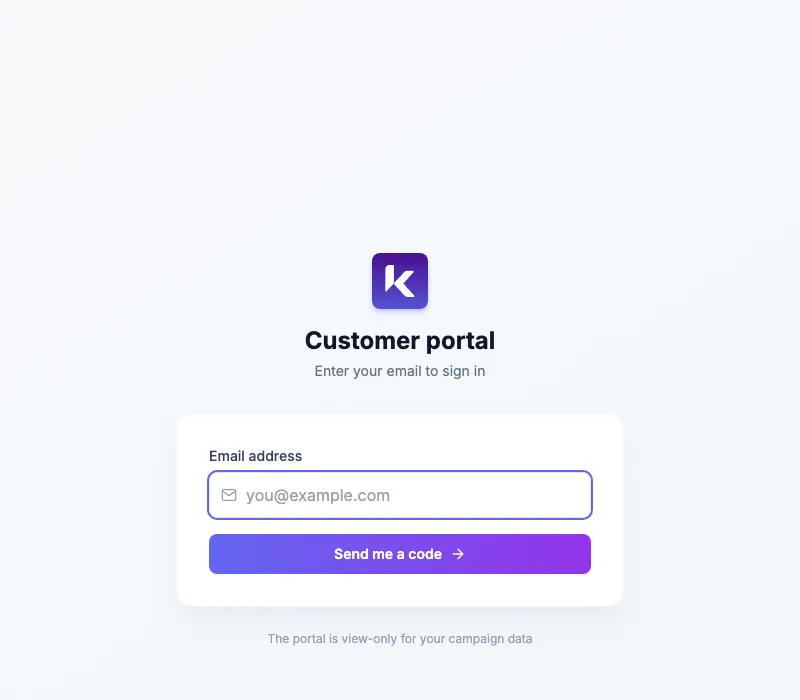
- Open the link in your agency's welcome email, or go to the client portal sign-in page.
- Type your email address under Email address.
- Click Send me a code.
- Open the email from Kredia and copy the 6-digit code.
- Type it under Verification code (6 digits).
- Click Sign in.
To use another address, click Change email address and start again. To leave the portal later, click Sign out.
What can go wrong
- "This email isn't registered. Ask your agency to add you as a customer." Your agency saved a different email address for you, for example a work address instead of a personal one. Ask them to update it, then try again.
- No email arrived. Check your spam folder. If the page says the code was created but the email couldn't be sent, contact your agency.
- "Invalid code". Codes expire after 10 minutes. Request a new one and use the newest email.
- "Too many requests, try again in a moment." Wait a few minutes before you ask for another code.
See also
Was this article helpful?